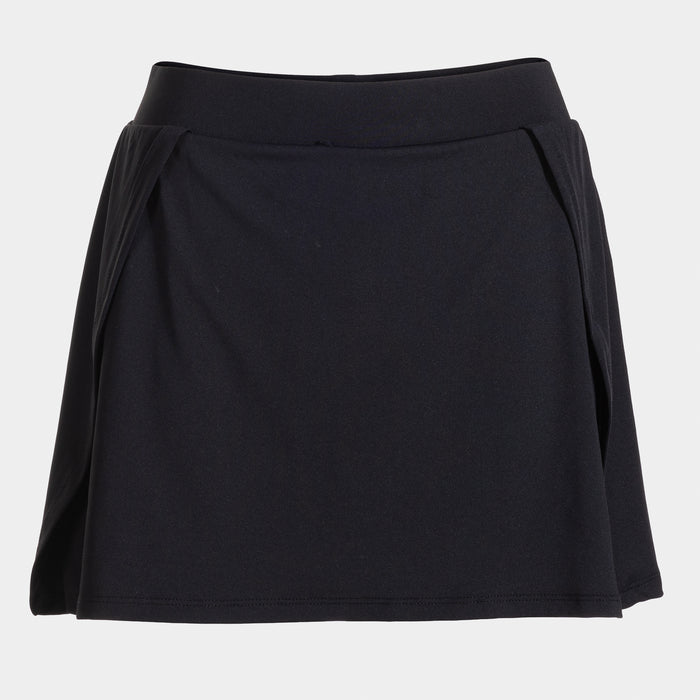
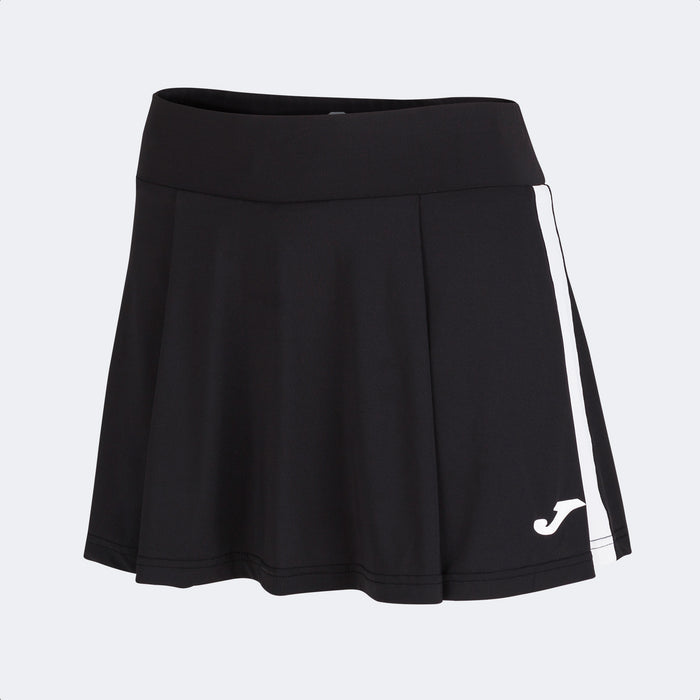
Most websites that let you put a logo on a shirt show you a rectangle floating over a photograph. It tells you almost nothing. It does not tell you how big the badge will actually print, whether it will sit on the cloth or half on the armhole, or whether the file you uploaded is sharp enough to survive a heat press.
Ours is a real 3D model of the garment, and you can spin it.
Nineteen garments, modelled
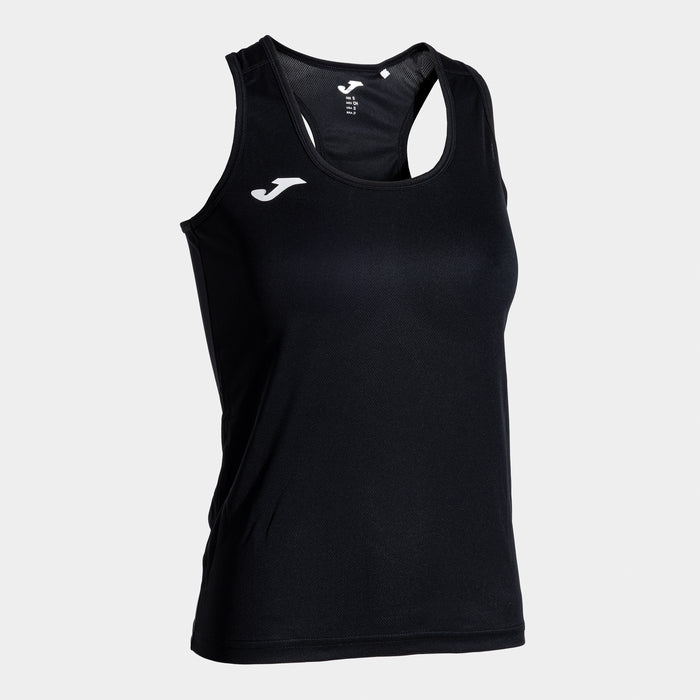
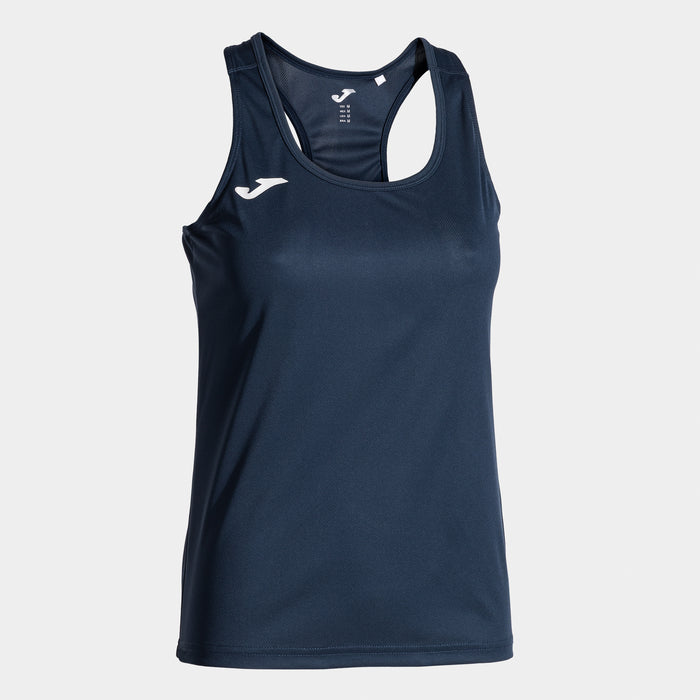
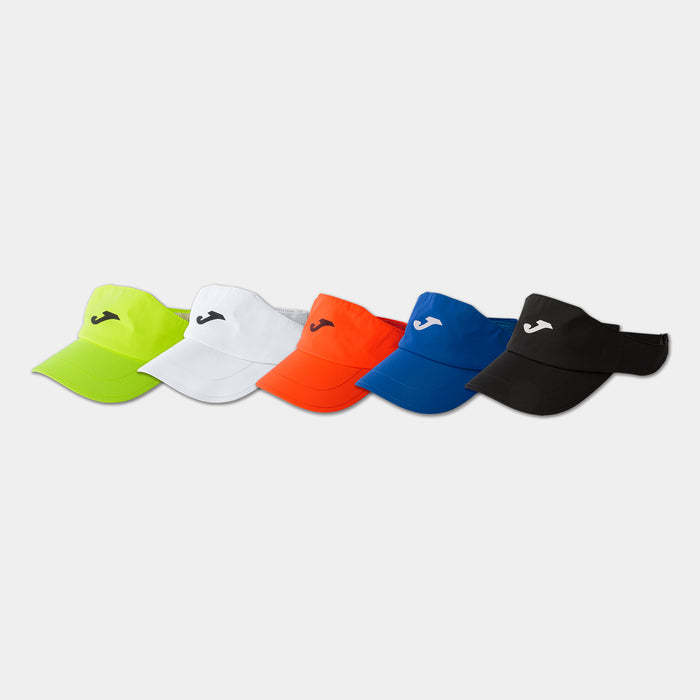
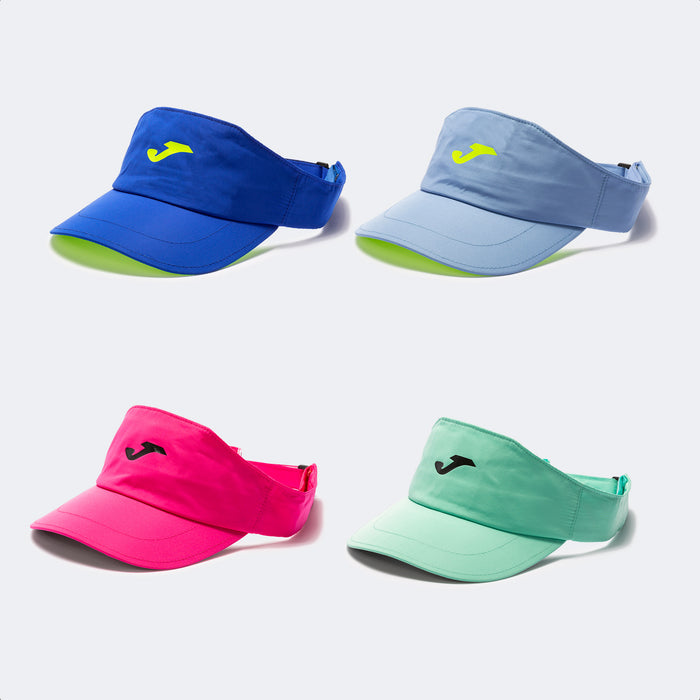
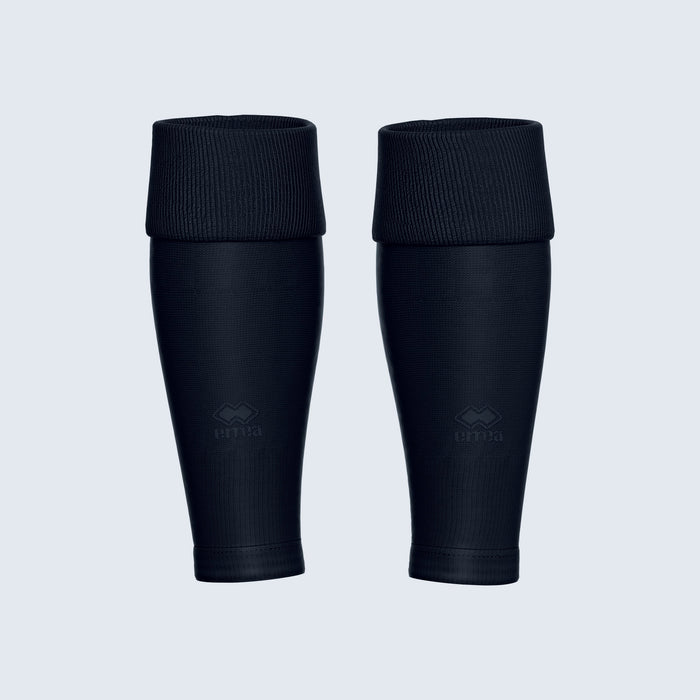
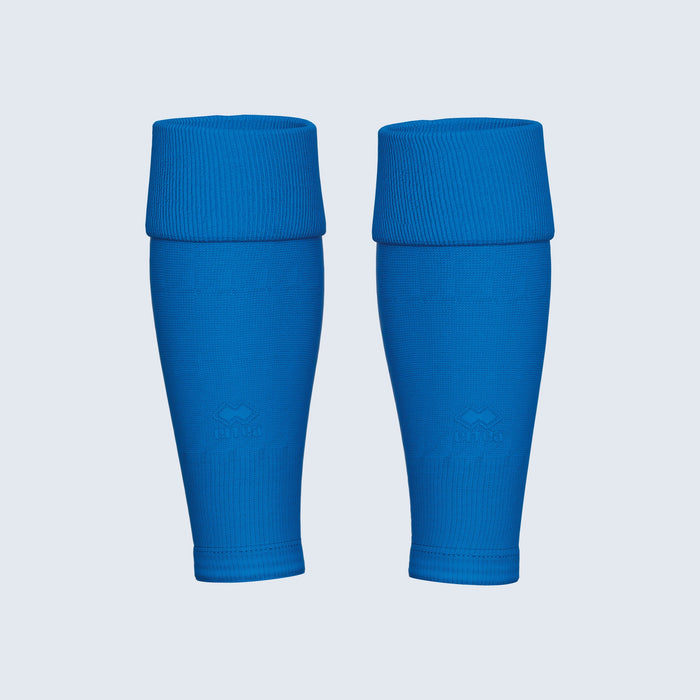
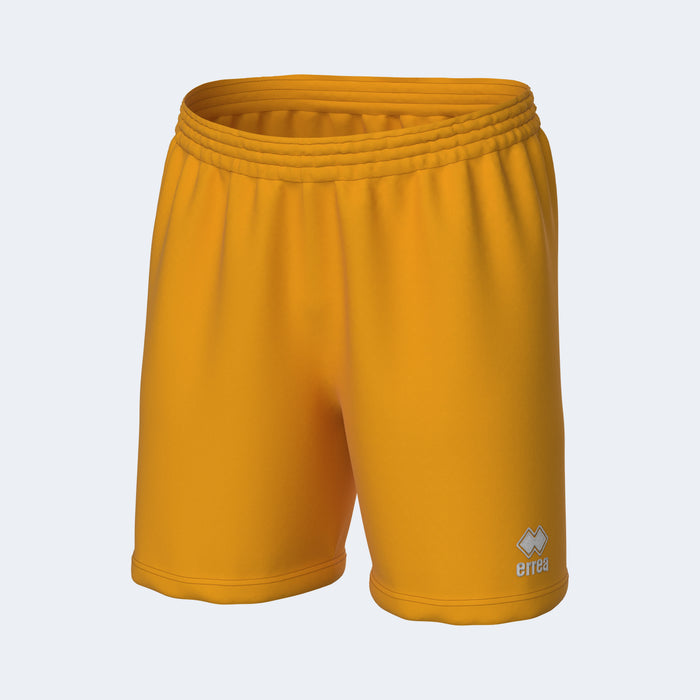
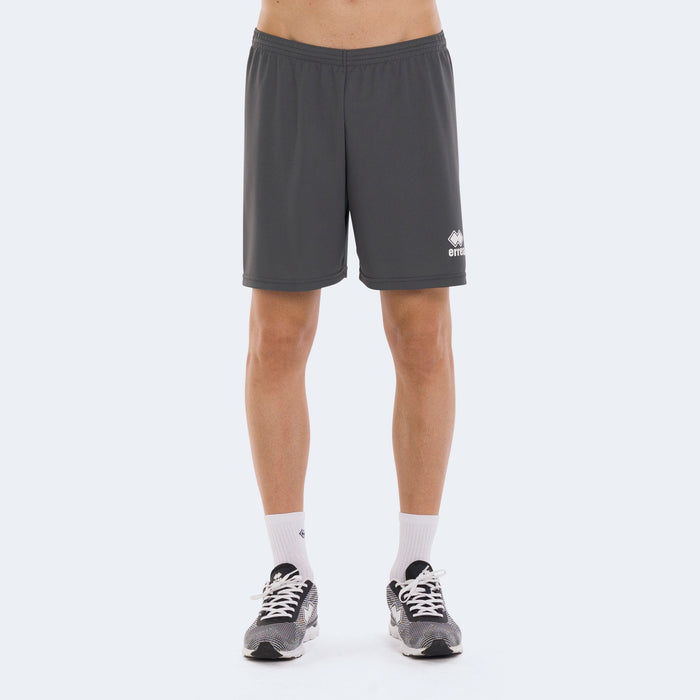
A football shirt, a sleeveless vest, a full kit with shorts and socks, a hoodie with its hood and kangaroo pocket, a zip jacket, a sweatshirt, playing shorts, tracksuit bottoms, a peaked cap, a bucket hat, a beanie, a visor, a snood, a holdall, a backpack, a tote, a gymsac, an apron and a tea towel.
Each one is modelled to the proportions of the real garment, measured off our own product photography rather than sketched by eye. A pair of playing shorts is short and wide because that is what playing shorts are; a bucket hat has a flat crown and a turned-down brim; a beanie has its ribbed cuff, because that is where a beanie is embroidered.
It wears the product's own photograph
Pick a colourway and the model does not just take a guess from the colour name. It reads the actual product photograph and dresses itself in that fabric — so a patterned training shirt shows as a patterned training shirt, and a two-tone garment keeps its contrast sleeves. "Beige" tells you very little about a swirl-print shirt with white sleeves. The photograph tells you everything.
Change the colour anywhere on the page and the model follows. Change it on the model and the price, the availability and the variant you are actually buying follow too, so the panel can never end up showing one colour while your basket holds another.
Your artwork is printed on, not stuck on
The garment's own shading falls across your badge, the way it would on real cloth. The mark curves with the sleeve and follows the fold. It is the one thing the flat-mockup approach cannot do, and it is the difference between "here is roughly the idea" and "here is what you are buying".
You can drag the artwork around on the model itself with your finger or your mouse, and it stops where the printable area stops.
Real millimetres, and a box you can see
Three things on that panel exist to stop a surprise later:
- The size is stated in millimetres. Not a percentage, not a slider position — the width your badge will physically print at on that garment.
- The printable area is drawn on the garment. You can see exactly how much room you have and where the mark can and cannot go. The artwork stops at that line, so the order can never say one thing while the screen shows another.
- Low-resolution files are flagged. A crest that looks perfectly sharp at 80 pixels on screen is 26dpi across a 194mm chest, and normally the first anyone knows about it is when it comes off the press. We tell you on the page instead.
Where your badge can go
The position list is the garment's own. A shirt has no shorts and a pair of shorts has no sleeve, so you are never offered a position the print room cannot honour. A full kit is two or three garments in one product, so its positions are grouped — on the shirt, on the shorts — and a basketball set says "on the vest", because it is one.
Choose a back placement and the model turns round to show you the back.
What the print room gets
When you order, a 300dpi print file is built from your design and travels with the order, along with a plain-English summary of every mark, where it goes and how big it is. The bench is reading the same thing you were looking at.
Try it
The designer is on every personalised product, and there are dedicated pages for the most common ones:
- Design your own kit and clubwear — football kit, polos, hoodies, training tops, shorts, caps and bags
- Put your logo on your workwear — polos, hi-vis, softshells, fleeces, work trousers, aprons and caps
- Design your own football kit
Then see what personalisation costs, or order for a whole squad at once.
More news
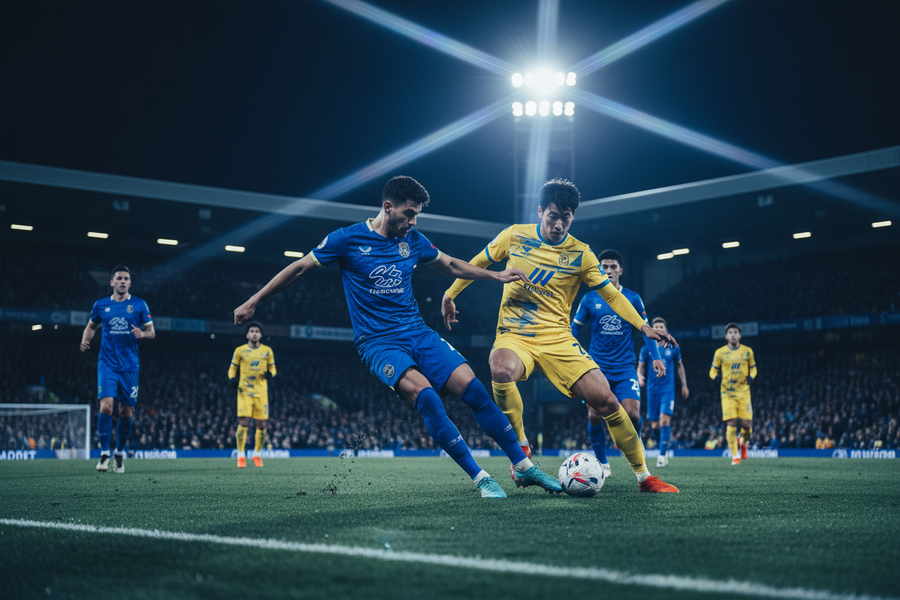
Our New Website Is Live: Teamwear, Workwear and a 3D Kit Designer
We have rebuilt eastpointsports.net from the ground up. Over 6,000 products, a 3D designer that shows your badge on the garment before you buy, squad list ordering, purchase orders, and free online shops for clubs and businesses.
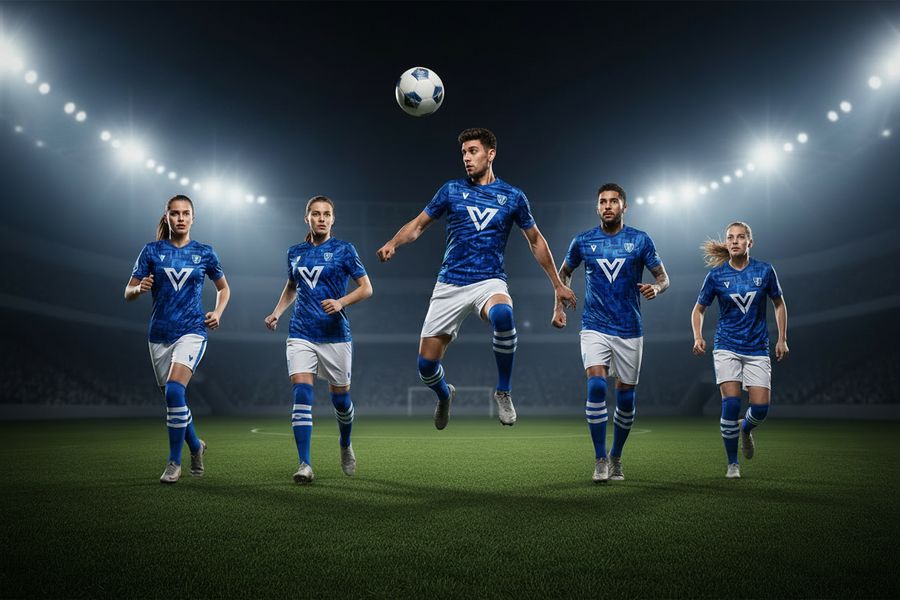
Inside the Sports Range: Joma, Errea, Stanno and Chadwick
Over 2,500 lines of match kit, training wear, outerwear and equipment from Joma, Errea, Stanno and Chadwick, with more than 2,200 of them personalisable.
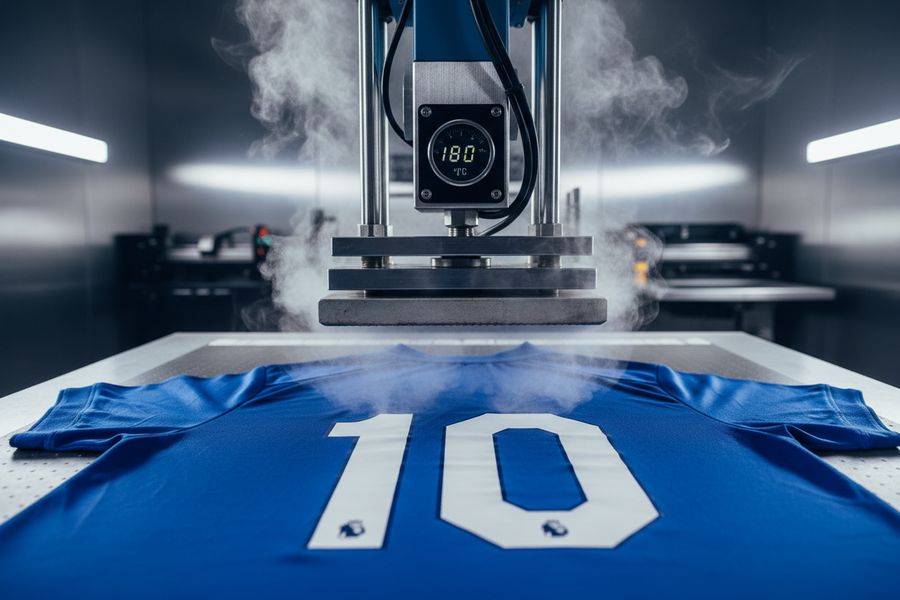
Names, Numbers and Logos: What Personalisation Costs
Every personalisation option is priced on the page, with no minimum order. Initials from £1.75 a letter, names from £0.80, logos at £3.95 flat.
Order a Whole Squad or Staff List in One Go
Paste your team sheet or staff list straight out of Excel and order every name, number and size in one basket, with one line per person on the order.
Pay on a Purchase Order: Schools, Clubs, Councils and Businesses
Enter your PO number in the basket and attach the PO document. It travels through to the order as a proper field, where your finance team expects it.
A Free Online Club Shop, Built and Hosted by Us
Your crest, your kit, your colours, on its own page of our site. Parents order their own child's size with their own name on it and pay for it themselves.